
BERLIN: Android 16 has arrived – or at least the first part of it has. Starting with this release, future upgrades to the smartphone and tabloid operating system are going to come out in two stages. The second part of this release is expected in the fourth quarter of the year.
Android 16 has already been pushed to many Pixel smartphones. Owners of other phones will have to wait until the manufacturers adapt the Android 16 software kits to their Android devices. So what's in this new version?
Live updates: Instead of having to repeatedly open certain apps to track the status of something, you can now simply check the new live update window, which can be opened with a tap from the status bar. Initially, status updates will be available for ride-hailing and delivery services if their apps are compatible.
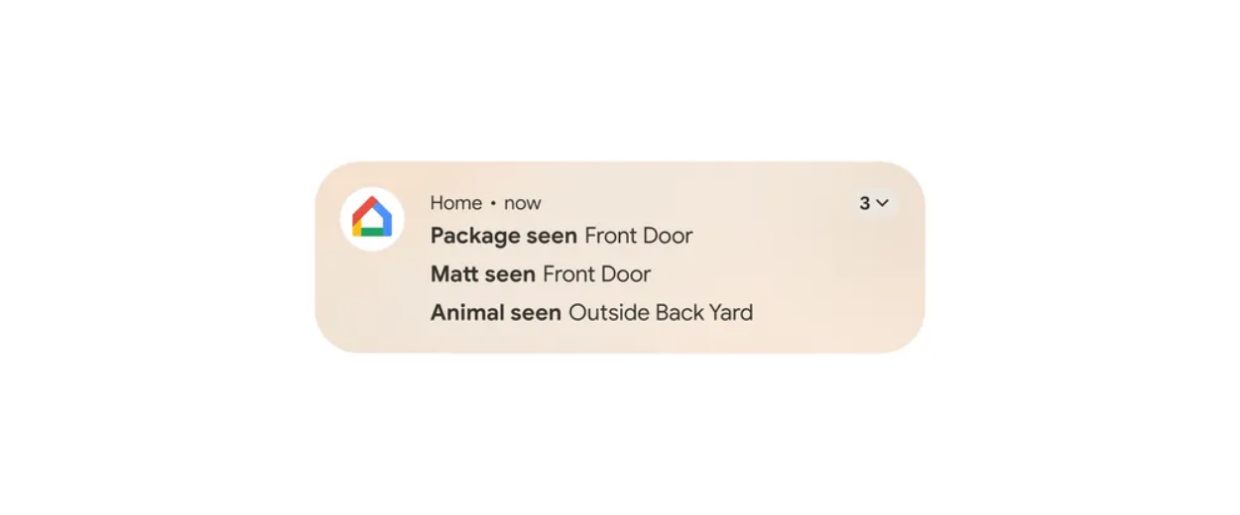
Notification auto-grouping: To prevent certain apps that constantly send notifications from becoming too annoying, Android can now enforce notification grouping.
In the notification area, each app that has sent notifications is initially displayed in a single line for a better overview, regardless of whether it has sent a single notification or a dozen.
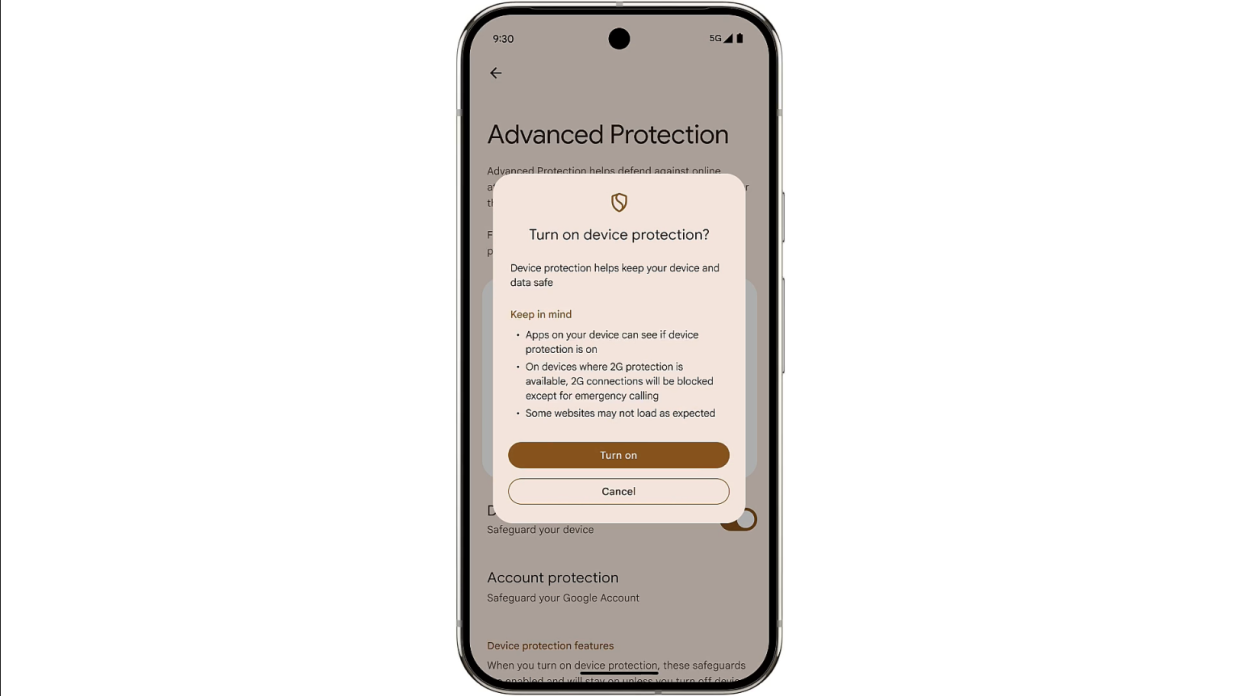
Stronger security: Using a new feature called Advanced Protection, you can activate a range of security features in one go. They include features to prevent theft and loss of the device and to provide protection against unsafe apps, network connections and websites as well as spam calls.
The second part of the release towards the end of the year will bring a new visual design that will distinguish Android 16 from Android 15. The new design includes:
Material 3 Expressive: This is what Google is calling the upcoming, refreshed look for Android with redesigned buttons and smoother animations with haptic feedback, for example, when swiping away notifications.
There will also be new, slightly transparent backgrounds when the quick settings, app overview or notifications are open.
The size of the icons in the quick settings can be changed so that you can see and access more buttons without flipping over. There will also be revised fonts, new colour themes and the ability to personalise the lock screen with a photo background.
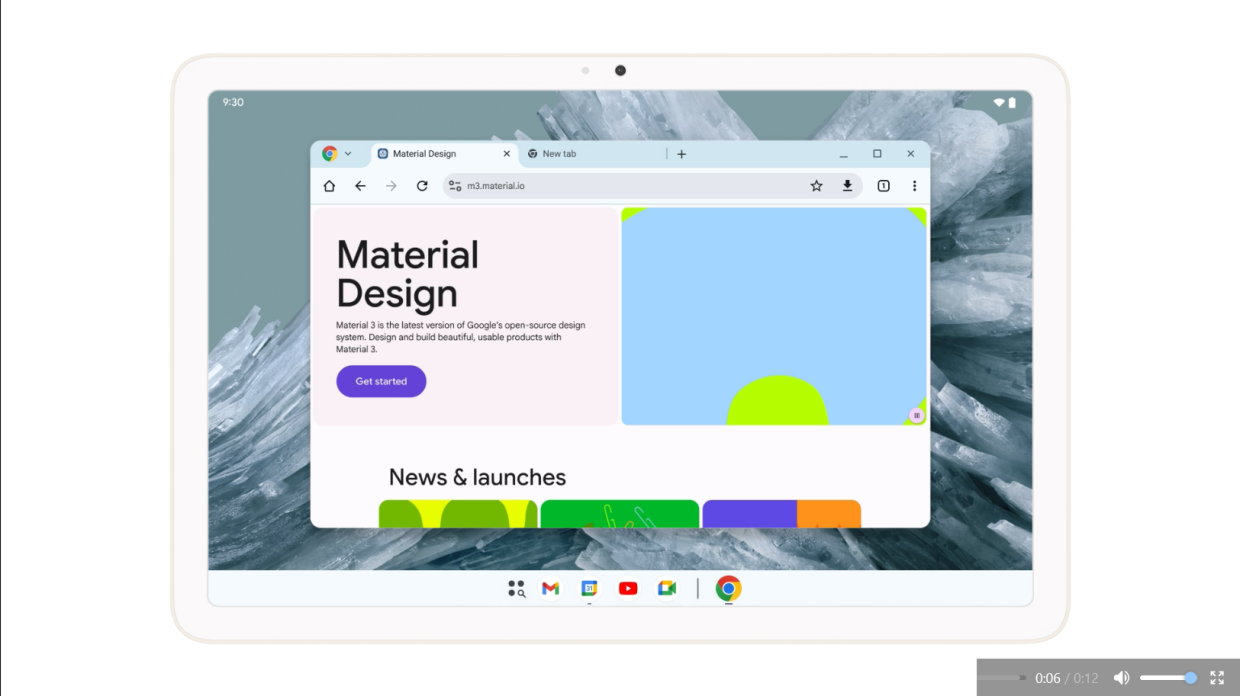
Desktop windowing: On Android tablets, app windows can be opened, moved, and resized just like on desktop computers, which should simplify multitasking. Those who use a keyboard will also be able to define their own keyboard shortcuts. – dpa/Tribune News Service