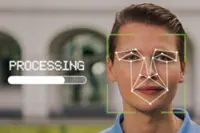
These days, it’s hard to escape the gaze of Google, Microsoft or Apple, which provide Internet users with a 360-degree view of virtually any street in the world, including your own. But there are ways of alerting these services, and of asking them to blur content you want to keep private.
For legitimate privacy reasons, you can ask the providers of online mapping services to blur your face, license plate or even your entire home in their virtual navigation applications. The most famous of these is Street View, found in Google Maps.
Already a subscriber? Log in
Get 20% OFF The Star Digital Access
Cancel anytime. Ad-free. Unlimited access with perks.