

The Samsung Galaxy Tab S4 is a sleek device with plenty of great features.
What can a tablet do for you? If you’re asking about the Samsung Galaxy Tab S4, the answer is a lot. The new tablet is packed with features that make it a great device for productivity and leisure.
First, let’s talk about how it looks. The Tab S4 is a sleek-looking device with a bright 10.5in Super Amoled display and slim bezels.
At only 483g, you would definitely have no problems taking this device along for work or as a convenient gadget to keep you company while on the go.
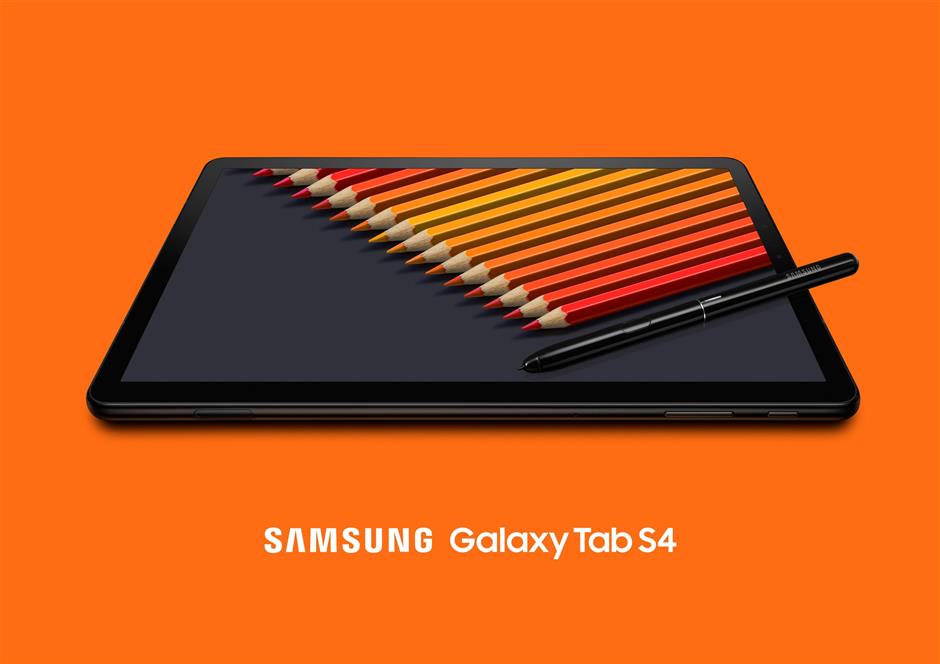
Like most new Samsung phones, the tablet does away with a physical home button in favour of a virtual one. To switch on the Tab S4, you can either use the power button on the side or just tap twice on the screen.
Samsung has also included its standard biometric features to keep the tablet secure – facial recognition and retinal scanning.
They both work fine as long as you hold the tablet at the right angle and ensure that your fingers are not covering the sensors at the top, which happens more often than not when using it in landscape mode.
The works
The device has an impressive octa-core processor (2.35GHz quad-core + 1.9GHz quad-core) and 4GB RAM so you will have no issues multitasking.
For instance, let’s say your friends ask you to watch a new movie trailer. You can do both at the same time with the Multi Window function – you’ll be able to view the YouTube clip while chatting with your friend via Facebook Messenger in splitscreen.
The tablet also had no problems handling graphics-heavy mobile games like Asphalt 9: Legends and Fortnite, the popular online multiplayer battle royale game.
If you are a gamer-on-the-go type of person then you’ll appreciate the Tab S4’s extra processing firepower. However, to level the playing field, especially when going against PC and console gamers, you will need to at least invest in a Bluetooth gamepad. I also encountered some minor glitches but hopefully the bugs will be squashed soon.
Your personal computer
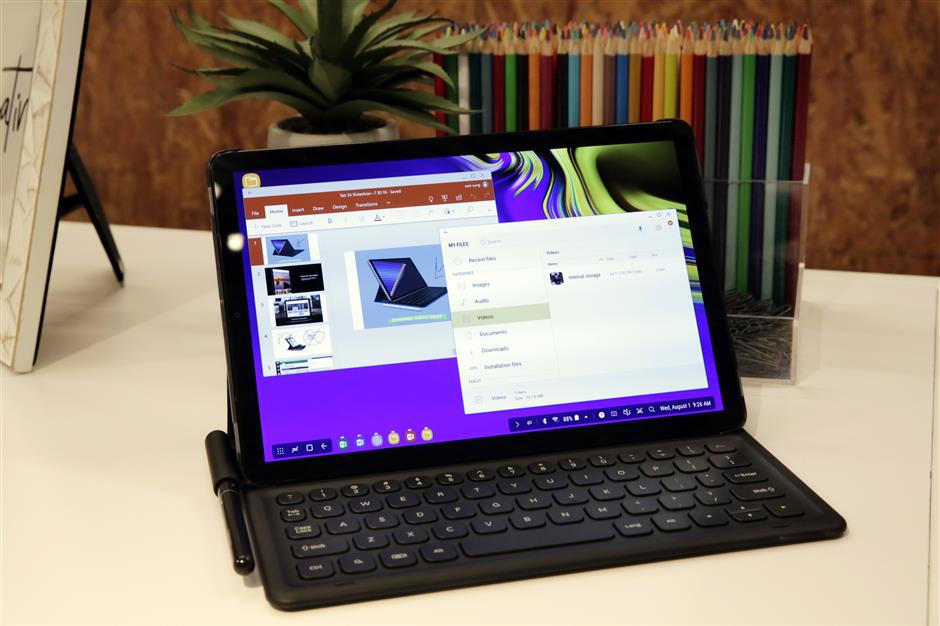
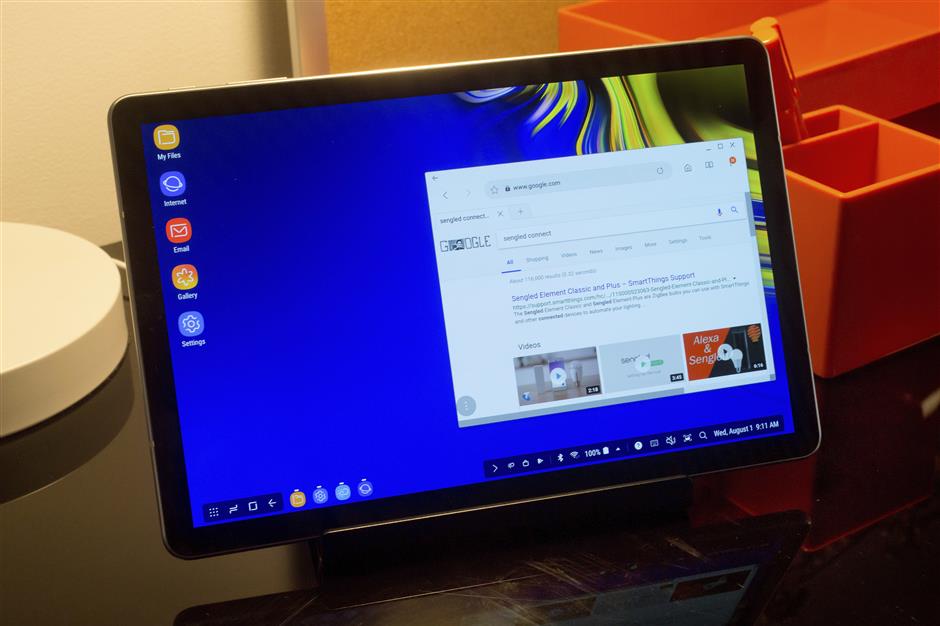
When you really want to get serious with work then switch to the Dex mode and watch your tablet become a personal computer that fits right in your hands.
This mode gives you a desktop- like interface, allowing you to run multiple applications at the same time, unlike Multi Window which limits you to two.
There’s also a taskbar at the bottom for you to keep tabs of all your open applications.
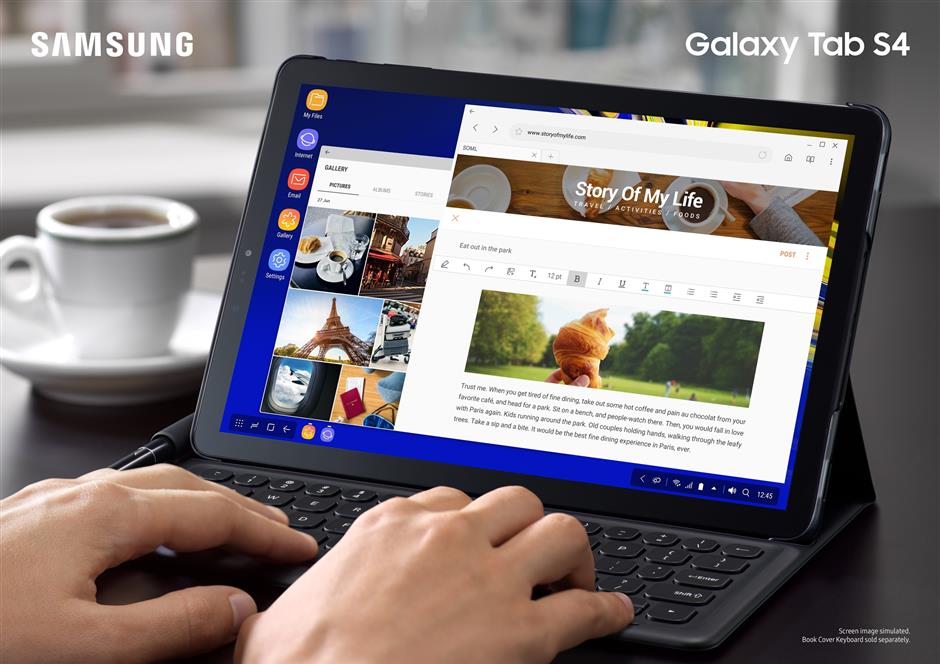
So you can check email messages while working on a Google Doc and listen to music on Spotify at the same time.
The Dex mode experience is, of course, much better if you can connect the tablet to a monitor via a HDMI adaptor (sold separately) and also use Bluetooth keyboard which will give you the full desktop experience.
I found it difficult to type on the small on-screen keypad in Dex mode – it’s actually smaller than the standard virtual keypad. While there is an option to resize the keyboard under settings, I couldn’t figure out how to do it.
Luckily, there’s the S Pen stylus – it’s one of the things I love about the Tab S4. The S Pen has a 0.7mm tip that glides effortlessly on the screen.
The stylus just makes everything better from tapping on tiny keypads to drawing and writing down notes.
The Tab S4 also comes with a Screen-Off memo feature that allows you scribble on the display using the S Pen without unlocking the device. Just reach for your S Pen, click on the button to activate the feature and start scribbling. I found this function to be extremely useful for moments when I just needed to jot something down really quickly.
Main draw
You can also explore your creative side by using the stylus to doodle on the Tab S4 using the PenUp app.
The only thing you have to be careful about is not to lose the S Pen – unlike the Samsung Galaxy Note 9 smartphone, there isn’t a slot for the stylus. Oddly enough this seems to be the industry practice as it’s true for almost all other tablets that come with a stylus.
So it would be wise to invest in a case that lets you holster the S Pen.
Another commendable feature of the Tab S4 is that it’s more than a capable entertainment device thanks to a combination of great screen and speakers.
The 10.5in screen is Super Amoled so you get bright and vibrant colours, and the quad speakers support Dolby Atmos and are tuned by AKG. The speakers are at the four corners so the sound distribution is good whether you are watching a video in portrait or landscape mode.
For the young ones, there is a dedicated Kids Mode that allows parents to set usage limits and it even comes with fun, child-friendly games such as the voice changer app, Lisa’s Magic Voice.
Conclusion
With a massive 7,300mAh battery that is rated to last up to 10 hours, you’ll get a lot done on the Tab S4.
I found that after a day of reading an e-book, streaming videos, playing music and web surfing, the device still had more than 30% battery life left.
At RM3,099, the Tab S4 is a little pricey.
But you get what you pay for – this is a tablet that’s great for gaming on the go and also getting work done with the Dex mode.
And the biggest plus – the S Pen.
Check out the Samsung Galaxy Tab S4 if you are in the market for a high-end Android tablet.
Pros: Slim and lightweight; stunning screen; excellent speakers; the S Pen makes everything better; long battery life.
Cons: Virtual keyboard in Dex mode too small.
Get the Samsung Galaxy Tab S4 right now at Lazada.
To download the Lazada App and start shopping on your mobile devices, click here.
Galaxy Tab S4
(Samsung)
Android tablet
NETWORK: 4G/LTE
OPERATING SYSTEM: Android 8.1 Oreo
DISPLAY: 10.5in (2,560 x 1,600 pixels)
PROCESSOR: 2.35GHz quad-core + 1.9GHz quad-core)
CAMERA: 13-megapixel (rear), 8-megapixel (front)
MEMORY: 64GB storage, 4GB RAM
CONNECTIVITY: WiFi 802.11, Bluetooth
BATTERY: 7,300mAh
DIMENSIONS (W x D x H): 249.30 x 164.30 x 7.10mm
WEIGHT: 483g
PRICE: RM3,099
RATING: 4 stars
Review unit courtesy of Samsung Malaysia Electronics, 1-800-88-9999
Already a subscriber? Log in
Get 20% OFF The Star Digital Access
Cancel anytime. Ad-free. Unlimited access with perks.