
This Android is all about work first, then play.
When it comes to tablets, no company has released more models than Samsung. This hasn’t stopped the South Korean electronics giant from launching another series, the Tab A.
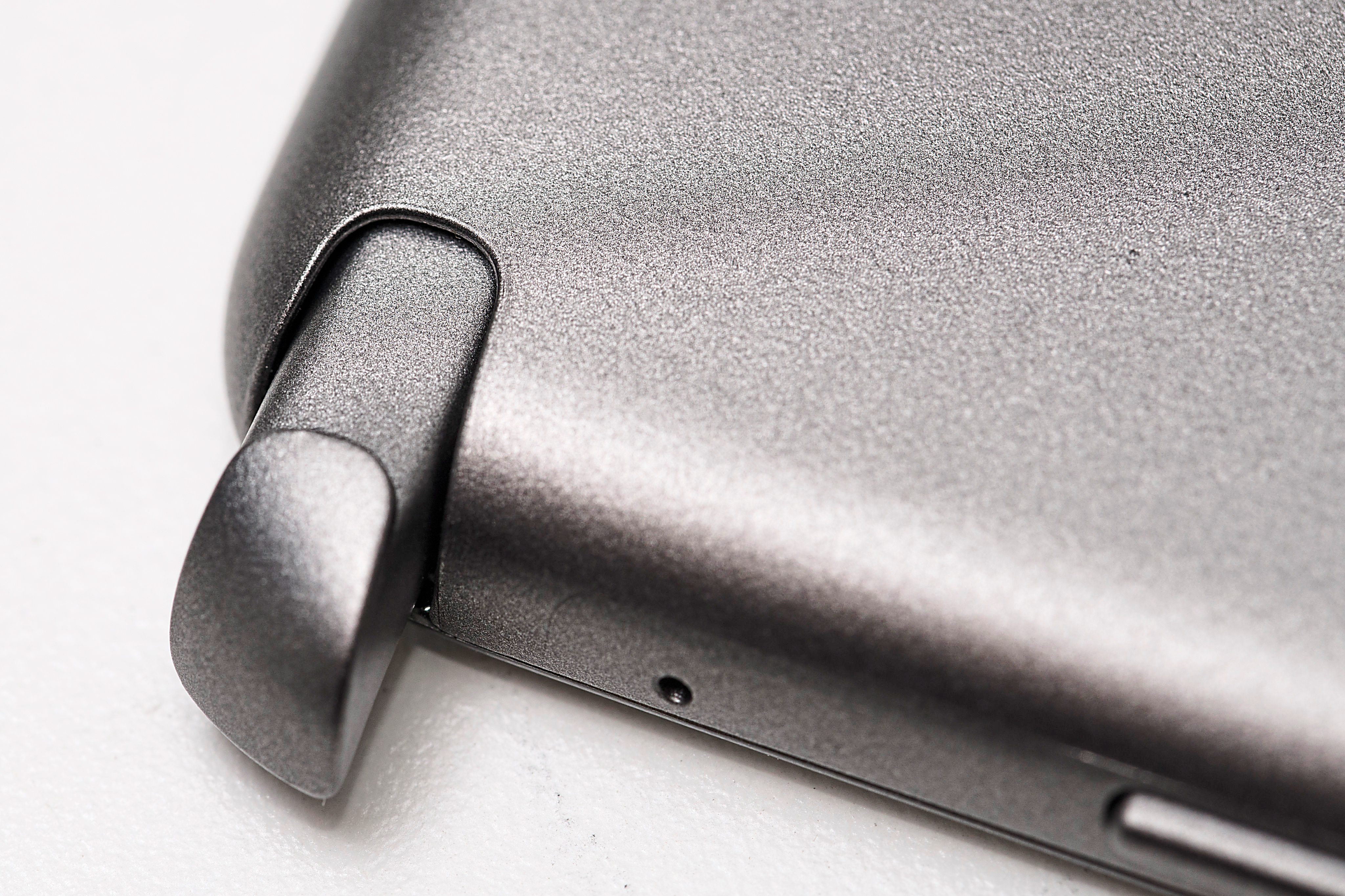
The Tab A represents the company’s affordable productivity tablets – to drive the point home, the company is including the S Pen stylus which was previously only available with its Galaxy Note devices.
The tablet is available in two sizes – 9.7in and 8.0in – and we got our hands on the smaller sibling.
Unlike Galaxy tablets, the screen on the Tab A has a 4:3 aspect ratio. This makes it more comfortable for reading documents and e-books which makes it a better productivity tool.

The 8in screen is bright but only has a 768 x 1,024-pixel resolution which brings the PPI (pixel per inch) to 160 which is a little low but the screen is still sharp.
The Tab A supports 4G LTE and while you can make and answer calls directly on the tablet, we don’t recommend you do it in public.
The good news is that the Tab A comes with Android Lollipop out of the box. Not many manufacturers offer it even though Lollipop has been around for some time now.
The Tab A has a quad-core 1.2GHz processor with 1.5GB RAM, which gives it enough firepower to handle most games and apps though we would stay away from the graphically intensive ones.
Mighty pen
The tablet had no problems handling productivity apps and even comes pre-installed with Microsoft Word, Excel and PowerPoint.
We worked on a few files while on the move and the S Pen made it easy to edit documents and spreadsheets.
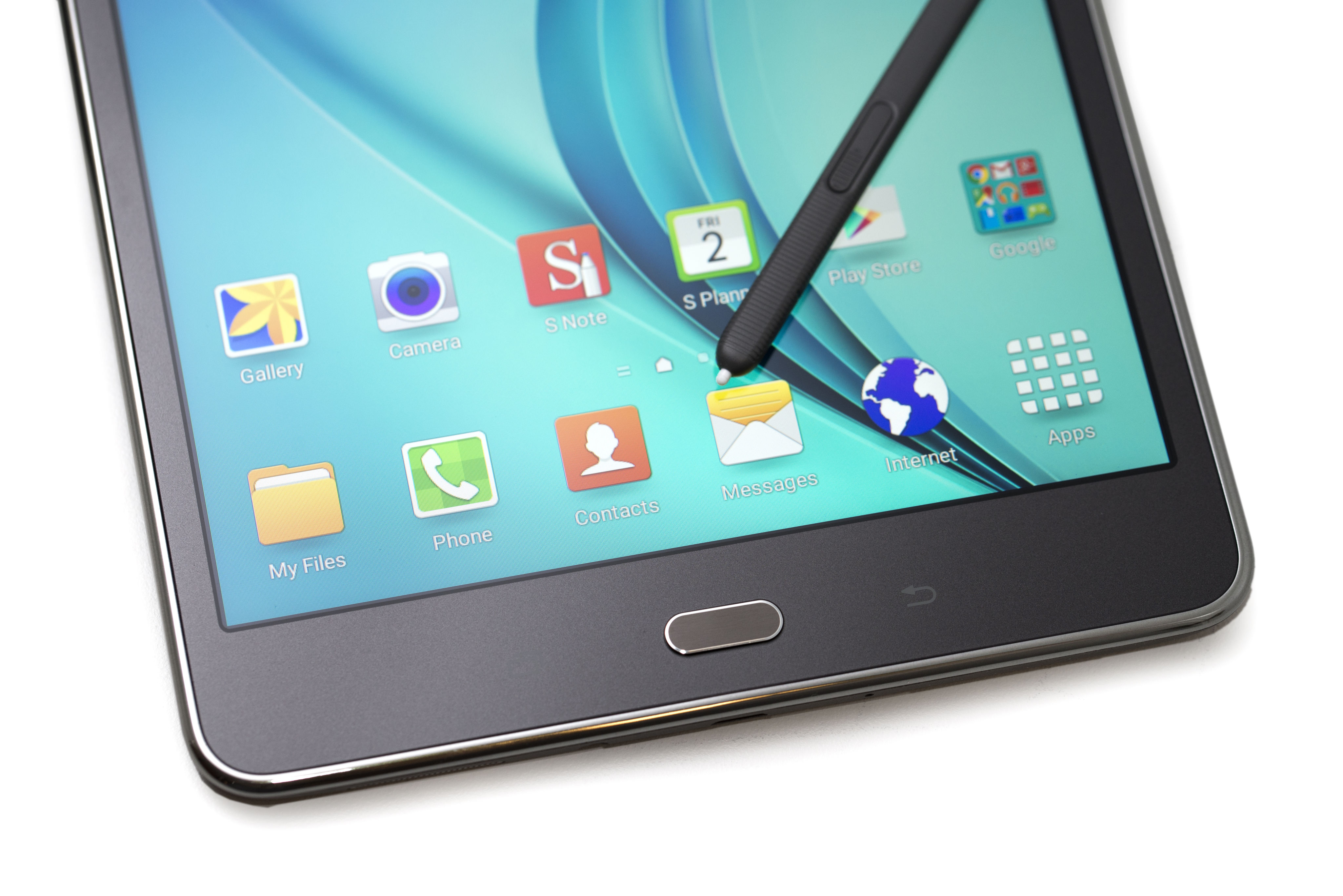
The S Pen is great as it has all the latest features that the flagship Note 4 phablet offers.
Pulling out the S Pen from the holster or pressing the button on the stylus when it’s within range of the screen will bring out the Air Command menu.
The menu offers a number of handy functions, including Screen Write which allows you to take a screenshot and doodle on it, and Action Memo which brings up a memo for you to jot down your ideas.
One of the functions that we found to be extra useful is the ability to highlight and copy text by pressing the button on the S Pen.
This allows you to copy text from almost any app and even the ones that don’t offer such a feature. With the S Pen you can, for instance, copy news feeds from the Facebook app.
The ability to drag and select pictures in the gallery using the S Pen is another underrated but very useful feature, especially when moving or deleting lots of files.
Fans of Samsung will be happy to know that the Tab A features the company’s multi-window function which allows two apps to be opened simultaneously side by side.
Power play
It was great playing games on the Tab A, as the tablet had enough stamina to survive our long gaming sessions.
We played lots of Marvel Future Fight with the Tab A. Loading time in general was a little slow but the gameplay didn’t suffer from any lag. It was the same for the other games we tested such as Need for Speed: Most Wanted.
Compared to other devices that we have reviewed recently, the battery depleted much less when playing games.
We also used the tablet for lots of e-book reading and the battery held up remarkably – on a single charge the tablet lasted over 10 hours.
However, the 4:3 aspect ratio is not ideal for watching movies which is only to be expected as most movies are widescreen.
The Tab A has two cameras – a 5-megapixel sensor on the front and 2-megapixel unit on the back.
As with most tablets, they do a decent job but you are better off using your smartphones as they will have sensors with more megapixels.
Conclusion
Even though the Android market is already crowded, Samsung has a tablet that is just a little different to stand out.
The Tab A is a mid-range productivity tablet that’s great for anyone who is looking to get work done while on the go.
The S Pen is a great addition to the device and as Samsung has yet to announce a successor to the Note 8.0, the Tab A is your best bet if you looking for a Samsung tablet with stylus.
The battery life is also good which helps you get work done when you not in the office.
Then there is the screen – the change in aspect ratio makes it better for reading and working on documents but not so great for watching movies.
All in all, if you are in the market for a productivity tablet then don’t give the Tab a miss.
Pros: Aspect ratio and S Pen makes it suitable for productivity; runs on Android Lollipop.
Cons: Screen resolution could be better.
Galaxy Tab A 8.0
(Samsung)
Android tablet
Network: 4G LTE
Operating system: Android 5.0.2 (Lollipop)
Processor: Quad-core 1.2GHz
Display: 8.0in display (768 x 1,024 pixels)
Camera: 5 megapixels (rear), 2 megapixels (front)
Connectivity: Bluetooth 4.0, dual-band Wireless 802.11abgn, WiFi Direct, WiFi hotspot, microUSB 2.0
Memory: 16GB internal memory
Expansion slot: MicroSD (up to 128GB supported)
Features: S Pen, GPS, multi-window
Dimensions (W x D x H): 208.3 x 137.9 x 7.4mm
Weight: 313g
Website: www.samsung.com.my
Price: RM1,299
Rating: 3.5 stars
Review unit courtesy of Samsung Malaysia, 1-800-88-9999
Already a subscriber? Log in
Get 20% OFF The Star Digital Access
Cancel anytime. Ad-free. Unlimited access with perks.