
Microsoft’s latest budget tablet fixes many of the shortcomings of its predecessor.
A little while back Microsoft gave us the Surface 2, a hybrid tablet that was mostly overlooked because it ran Windows RT, a rather strange version of Windows created to run on the ARM processor that powered the device.
I say strange because while it looked like Windows 8 and functioned like Windows 8, you could only install apps from the Windows Store that’s made for the Modern UI.
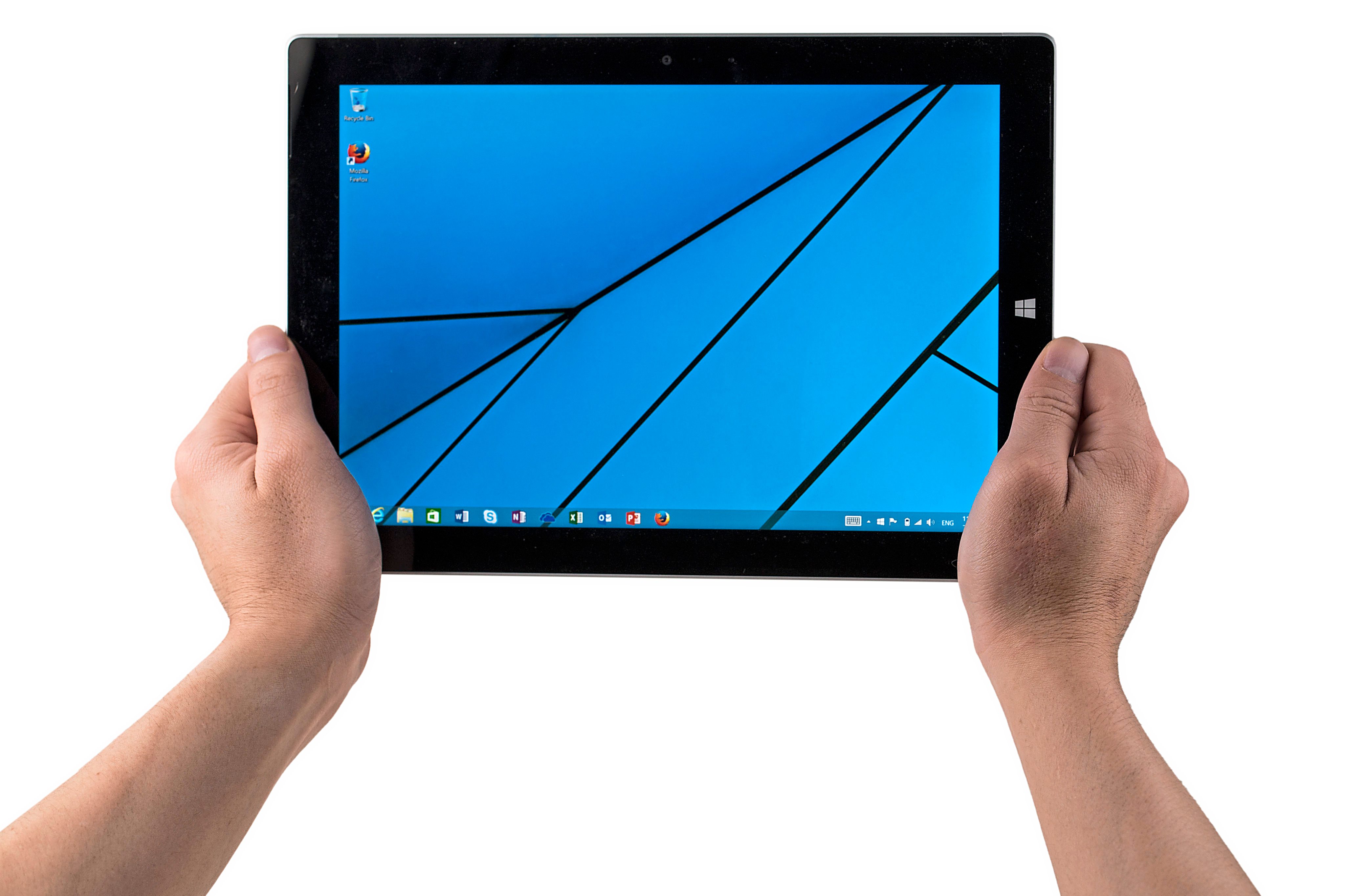
That didn’t sound so bad until you realised that you couldn’t install a basic web browser like Firefox nor Chrome, or any apps that we’ve come to take for granted to install on our Windows PCs for that matter.
This is where the Surface 3 comes in – Microsoft has learned from its mistakes and this time, the baby brother of the Surface Pro 3 runs the full version of Windows 8.1 and is powered by Intel’s Atom Cherry Trail chip.
This alone makes the Surface 3 a much more compelling device than its predecessor.
Similar but different
Design-wise, the Surface 3 is very much like the Surface 2 – it’s almost the same shape and size but has a slightly larger screen at 10.8in compared to the 10.6in of the Surface 2.
The Surface 3 has a resolution of 1,920 x 1,280 pixels and can’t match the Surface Pro 3’s 2,160 x 1,440-pixel display.
In any case, the Surface 3 has a nice 3:2 aspect ratio with very good viewing angles as it’s an IPS (in-plane switching) panel.
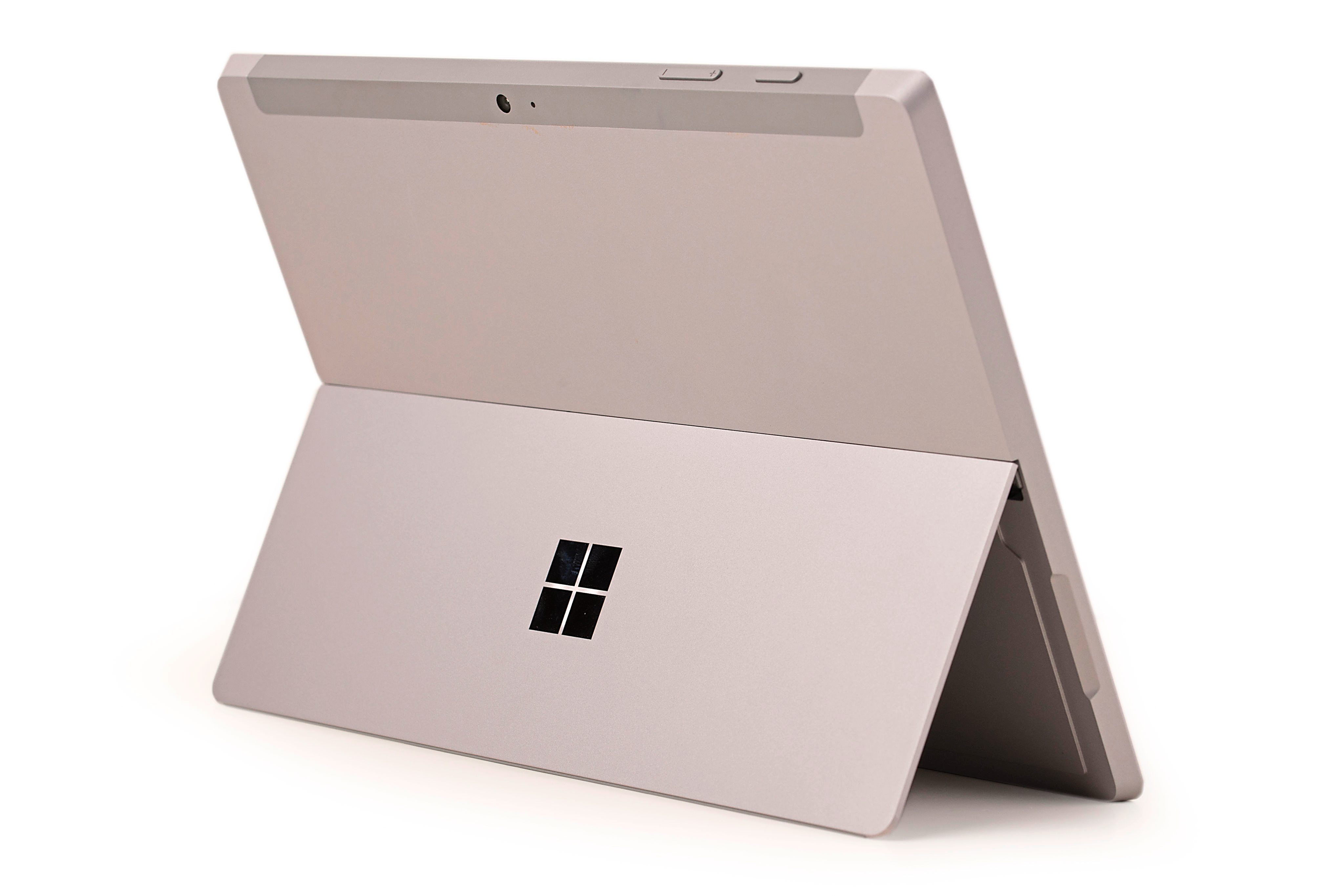
The Surface 3’s build quality is one of the best for a tablet (or notebook for that matter) running Windows 8 – the body is made of a very nice magnesium alloy with sandblasted finish.
While the overall design is similar to the Surface Pro 3, there are a few notable differences – for one thing, the built-in kickstand can’t be adjusted to any angle and instead is limited to just three positions.
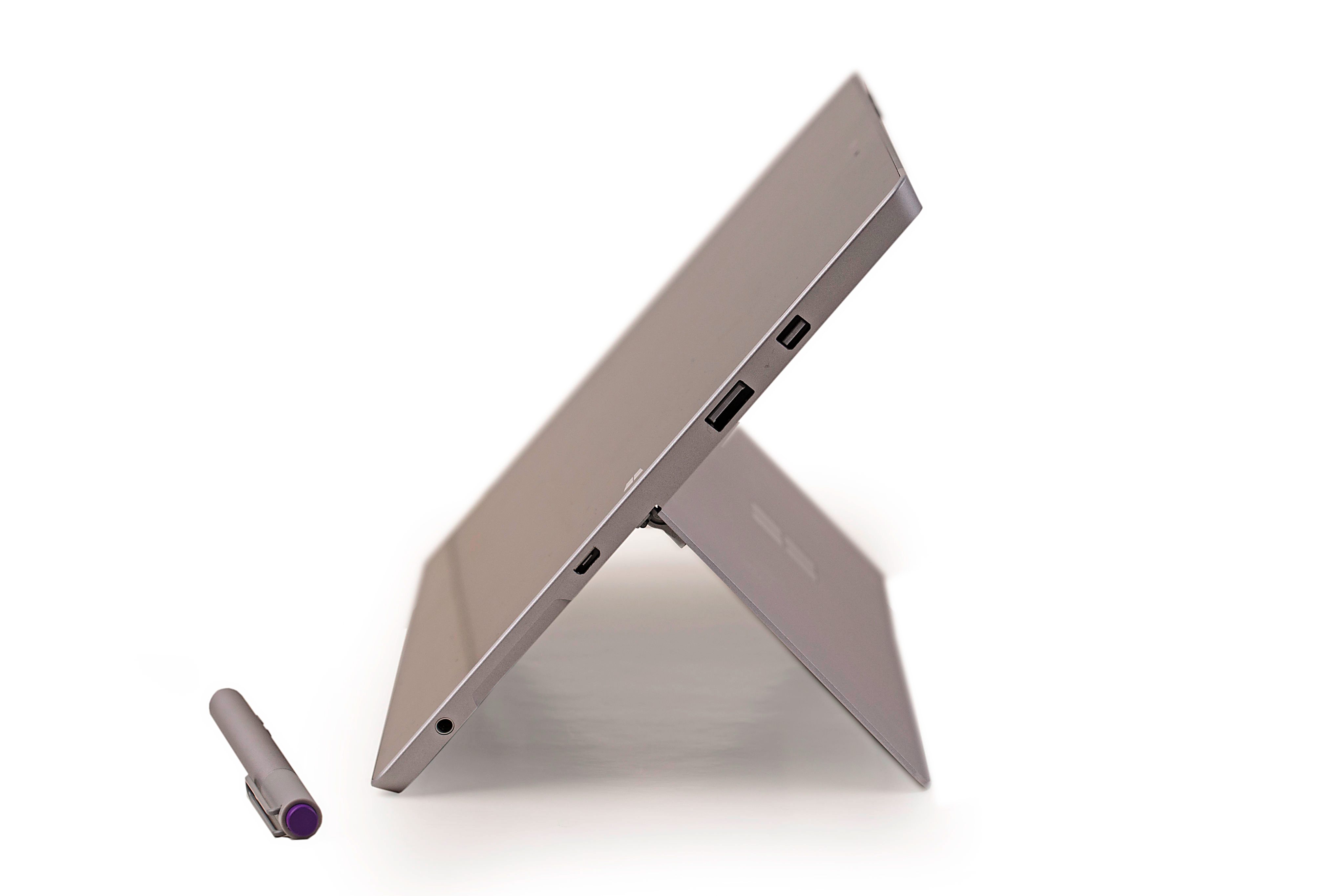
The other difference that I didn’t like is that instead of a nice magnetic charging connector, you get a microUSB port.

Also, the microUSB charger on the review unit (which may have seen a bit more abuse before it arrived on my desk) didn’t always maintain a reliable connection – at some angles, the charging will just stop because the fit wasn’t snug.
Sizing up
The base model for the Surface 3 comes with 64GB of storage and costs RM1,989, but the review unit we got was the 128GB version which will set you back RM2,389.
However, the price is just for the tablet alone – you don’t get the excellent magnetic Type Keyboard or the Surface Pen (which is bundled with the Surface Pro 3).
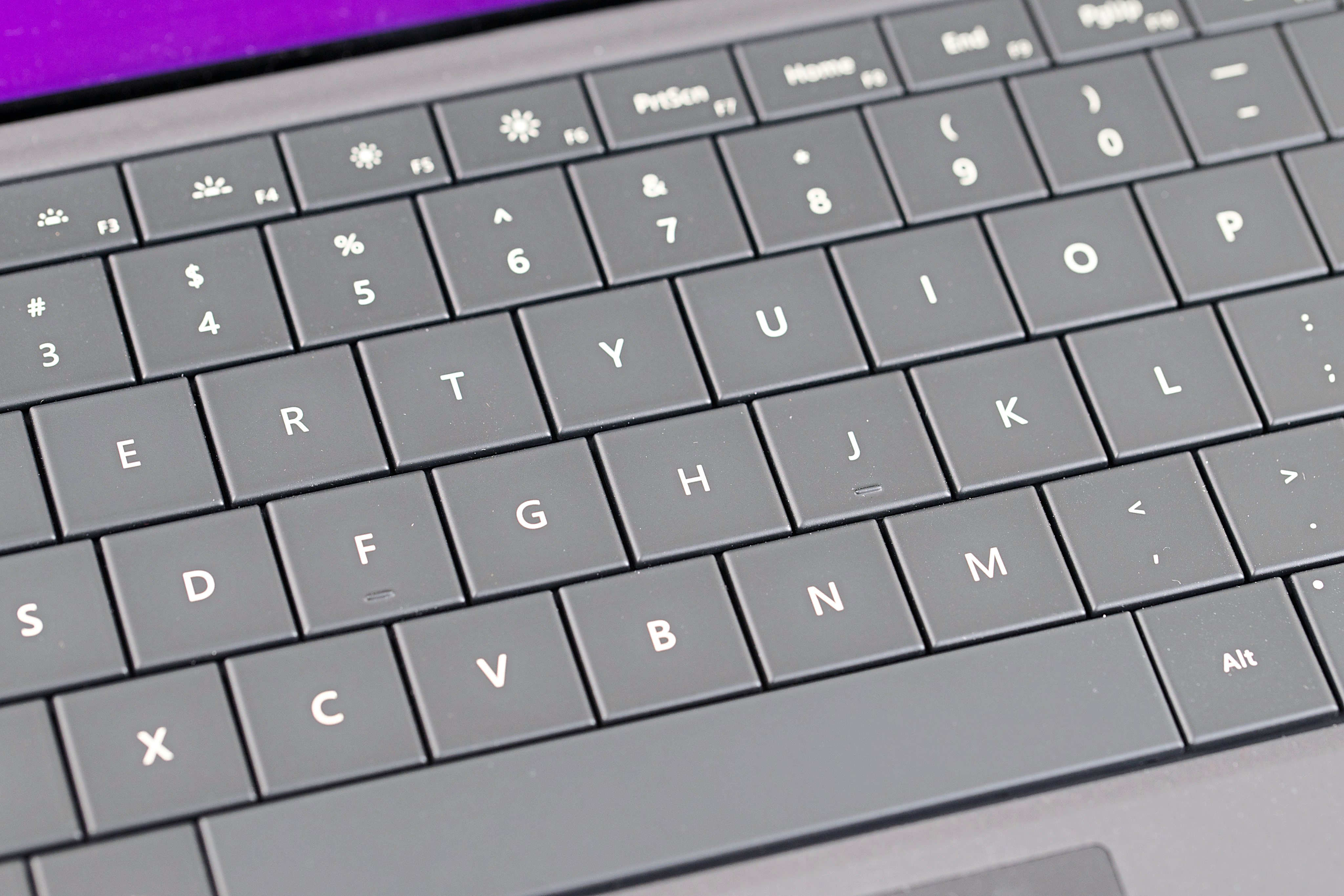
If you add on the keyboard, it’ll cost you an extra RM479 and RM189 for the Surface Pen. Both prices are inclusive of GST.
That’s certainly not cheap when you consider that you could buy a regular notebook with similar specifications from another hardware maker for much cheaper, although you won’t be getting anything this well-built or small.
I have to say that I really like working on the Type Keyboard. Despite the fact that it’s thin, the keyboard has a very nice feel and spacing for the keys are good. Plus, it’s backlit and comes with a clickable trackpad as well.
Speed test
In terms of performance, the Surface 3 is actually good enough for most tasks like web browsing, video playback and, of course, word processing.
However, you’re definitely not going to be able to use it to play games or edit videos.
On the upside, the 3.5-megapixel front facing camera is actually quite good, as it takes relatively nice photos and videos even when light levels are low.
Similarly, the 8-megapixel rear camera is also decent especially when compared with other tablets’ – unlike smartphones, tablets have yet to get great cameras.
Microsoft claims you can get about 10 hours of battery life on a single charge with the Surface 3 and I have no reason to doubt its numbers.
I used the device for about three to four hours for web browsing and word processing and saw the battery drop only about 40% in that time.
Realistically, you should probably get about eight hours of mixed use on this device at reasonable screen brightness.
Conclusion
As a Windows tablet, the Surface 3 is a really nice device – it gives you better battery life than the more power-hungry Surface Pro 3 (which runs on the “full” Intel Core processor) but at the expense of performance.
The question is whether it’s worth the price.
If you add on the price of the Surface Pen, you’d be paying RM2,178 for the 64GB Surface 3, which isn’t too far off from the RM3,073 for a Core i3 Surface Pro 3 with a bigger screen, better performance and Surface Pen.
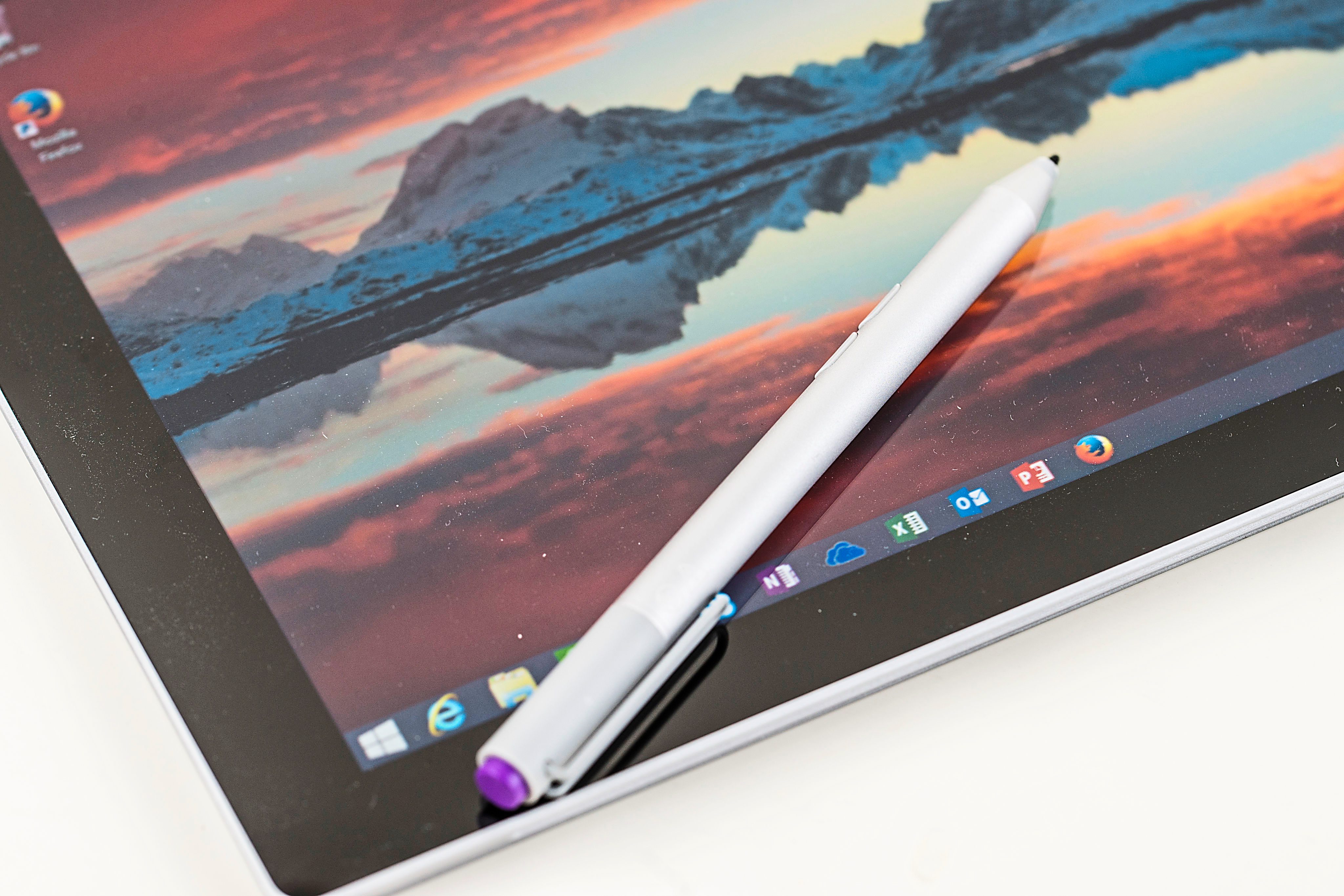
On top of that if you’re serious about using it as a notebook replacement you’d have to shell out extra for the Type Keyboard.
Nevertheless, if you’re looking to buy a Windows 8 tablet, you should check out the Surface 3 or Surface Pro 3 before making a decision – despite the price, the Microsoft devices are really a cut above most in terms of quality.
Pros: Nice size; excellent screen; reasonable performance.
Cons: Pricey; the MicroUSB charging port isn’t as nice as the magnetic one on the Surface Pro 3.
Microsoft Surface 3
(Microsoft)
Windows tablet
Processor: Quad-core Intel Atom x7-Z8700 (1.6GHz or up to 2.4GHz with Intel Burst)
Display: 1,920 x 1,280 pixels
Graphics: Intel HD Graphics
Storage: 128GB
Connectivity: WiFi, Bluetooth
Ports/Slots: USB 3.0, mini DisplayPort, microSD, MicroUSB charging port, headset jack
Operating System: Windows 8.1
Other features: 3.5-megapixel front-facing camera, 8.0-megapixel rear camera
Dimensions (W x D x H): 267 x 187 x 8.7mm
Weight: 622g
Website: www.microsoft.com/surface/en-my
Price: RM2,389 (128GB), RM1,989 (64GB) inclusive of GST
Rating: 4 stars
Review unit courtesy of Microsoft Malaysia.
Already a subscriber? Log in
Get 20% OFF The Star Digital Access
Cancel anytime. Ad-free. Unlimited access with perks.